🇦🇺 Made for Australian tradies

One app from missed call to paid invoice.

Capture every lead, send branded quotes in under a minute, take card payments through Stripe, and see exactly what's making you money — all in one app you already know how to use.

30 days free · No card required · Cancel any time

Download on the App Store Coming soon to Google Play
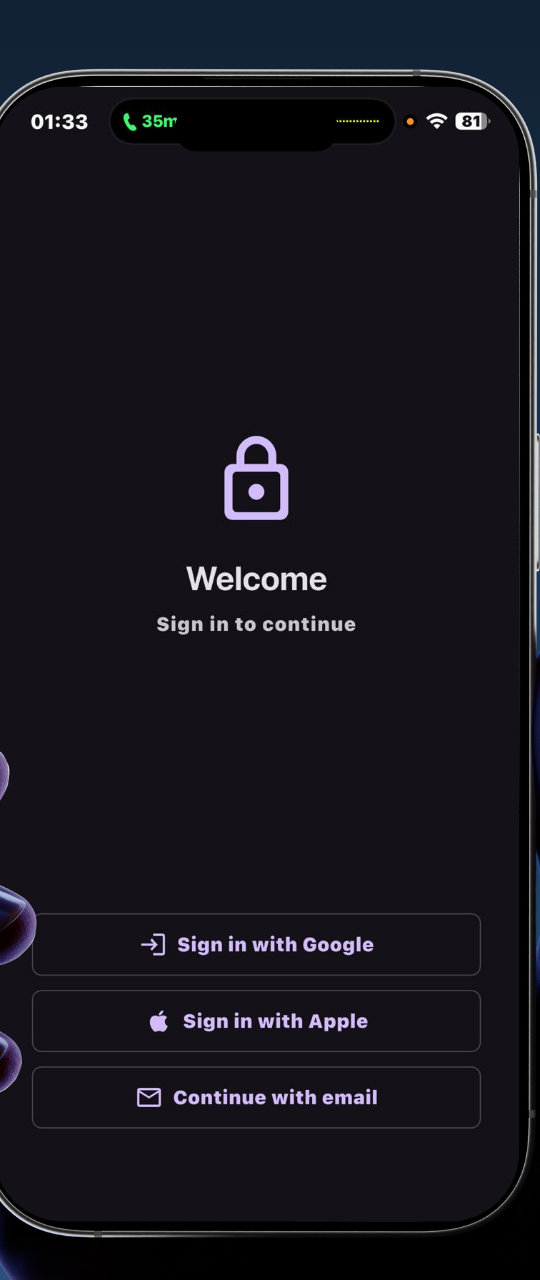
Leado login screen with Google, Apple and email sign-in options
SETUP

Start in seconds. No setup maze.

Sign in with Google, Apple or your email and you're in. No account-creation forms, no verification dance, no IT helper required. Built so a tradie can be up and running between jobs.

  • Sign in with Google, Apple or email
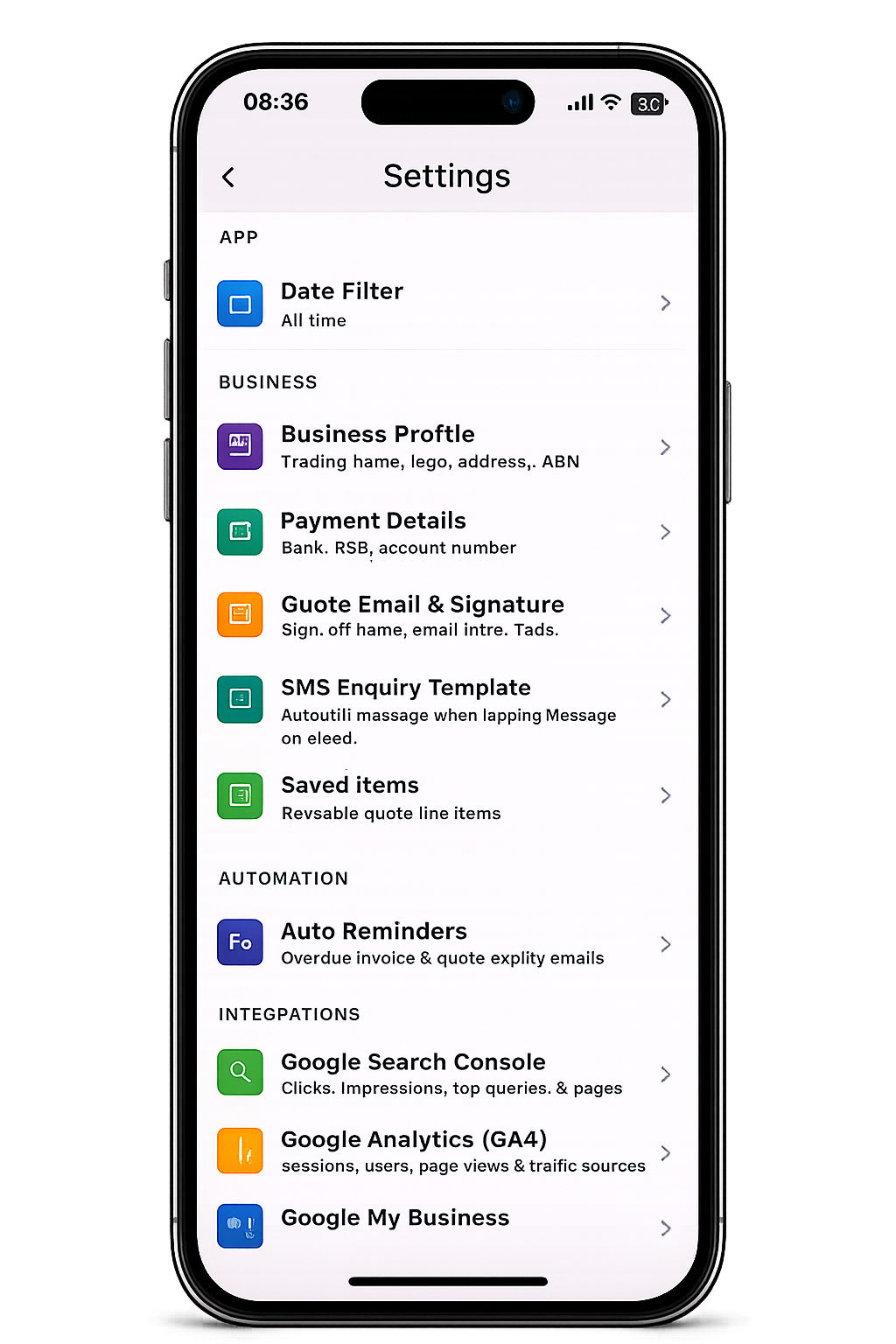
  • Your business profile, logo, ABN and Stripe in one place
  • Customers import via CSV — bring your whole book over in minutes
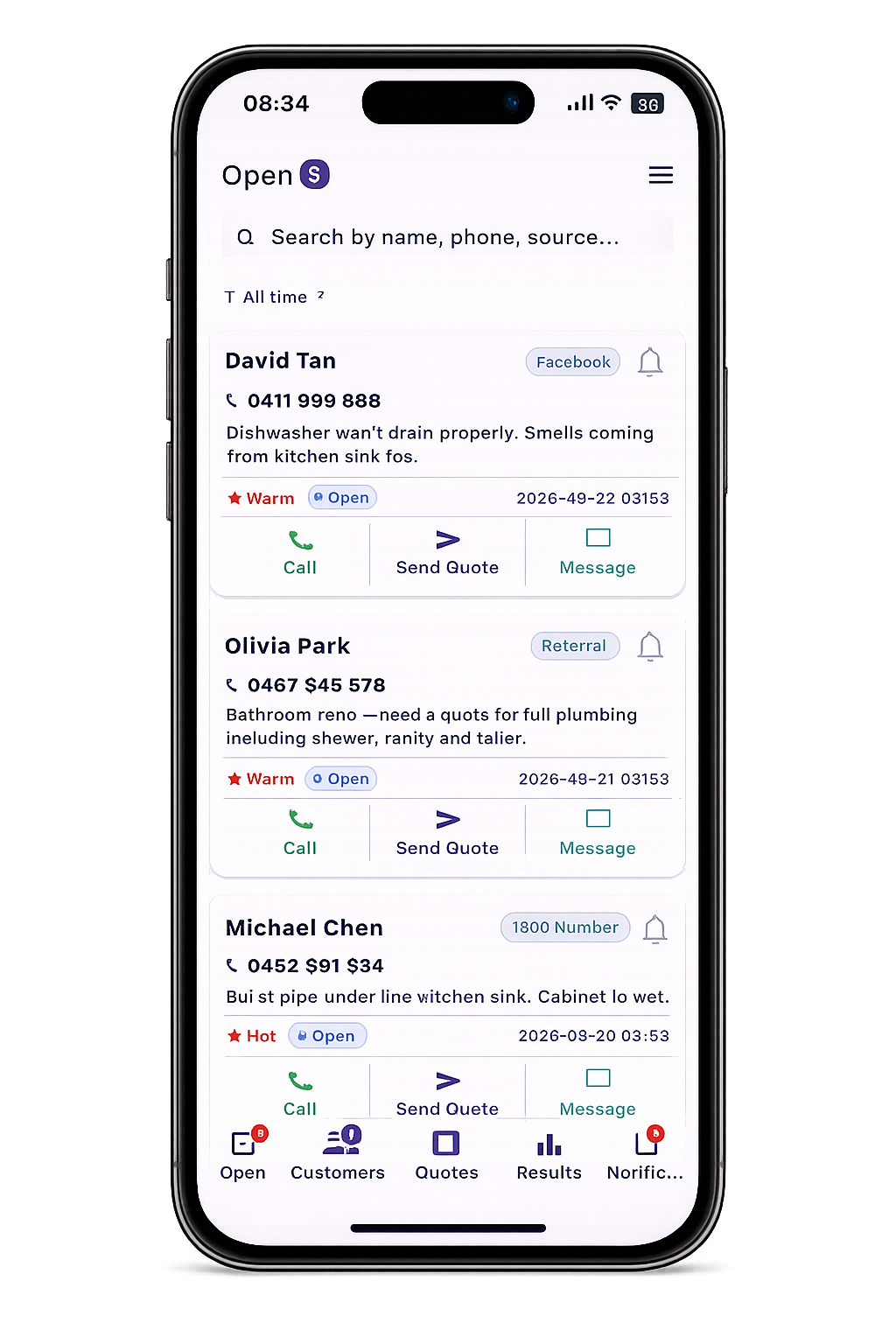
Leado Open tab showing leads needing action with status pills and follow-up reminders
OPEN

The "do this next" list, sorted for you.

Open shows only the customers needing action right now — new enquiries, quotes waiting on a follow-up, jobs with a reminder due. Walk into your day knowing exactly who to call first, without scrolling through your whole customer book.

  • Auto-filtered to active leads only — finished jobs stay out of the way
  • Status pill on every card: Open, Quoted, Won, Lost, Overdue
  • Tap to call, send a quote, or mark the status — no extra screens
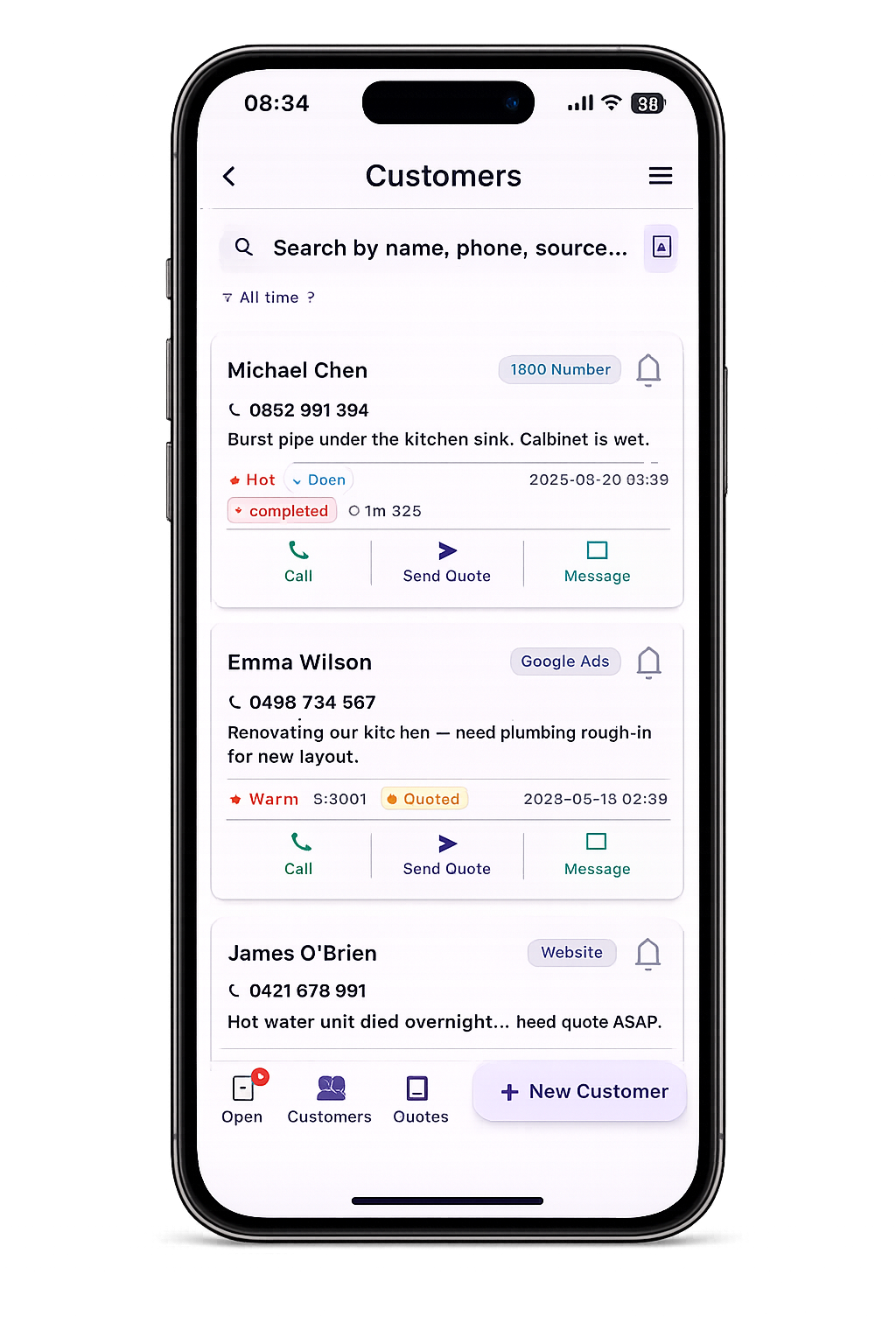
Leado Customers tab showing master list with Michael Chen and Emma Wilson, status pills and New Customer button
CUSTOMERS

Every customer, every detail — one tidy book.

Customers is your full master list. Search by name, phone or source. Tap the + New Customer button to add a walk-in on the spot. Each card shows source, status and the last time you touched the job — so you always know what's hot and what's cooling.

  • Search, filter and sort across your whole book
  • Source-tagged: Walk-in, Referral, 1800 number, Google Ads, Web
  • One-tap to add a new customer with name, phone, address, source
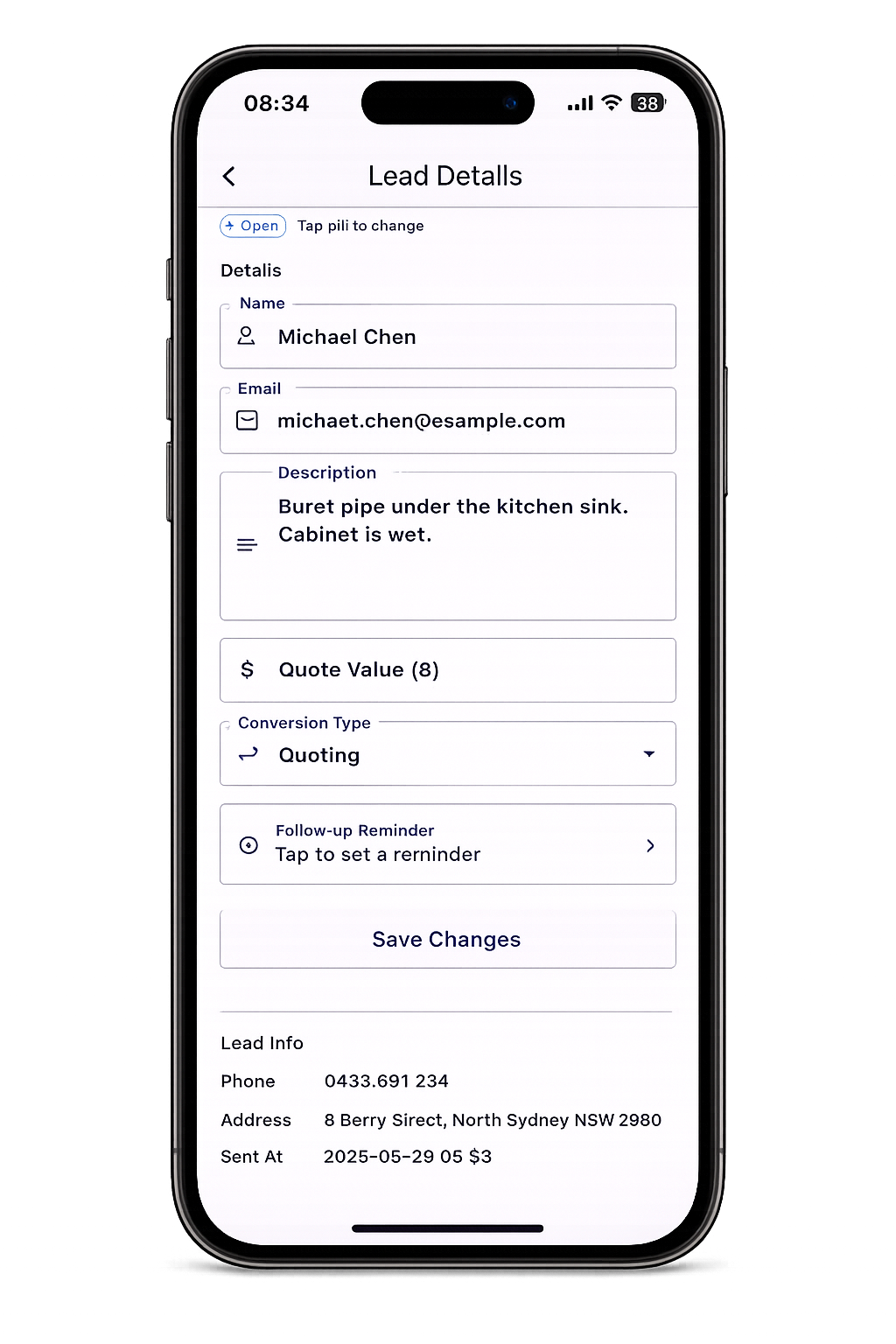
Leado lead detail screen with editable fields for name, email, description, quote value, conversion type and follow-up reminder
CUSTOMER PROFILE

Follow up. Win the job.

Every customer has a full profile: contact details, what they're chasing, where they're at in your pipeline, and a one-tap follow-up reminder. Scribbled notes on the back of a quote pad become a clean, searchable history you can pick up months later.

  • Tap the status pill to change stage: Open → Quoted → Won / Lost
  • Schedule a follow-up that pings your phone at the right moment
  • Every quote and invoice for that customer, right there on their page
Leado follow-up reminder date picker
PRO

Schedule smart follow-ups.

Set a reminder and Leado will buzz you exactly when it's time to call back. No more sticky notes, no more "I'll get to it." The biggest reason tradies lose jobs isn't price — it's silence after the quote. Leado fixes that.

  • Pick a date and time, get a push notification on your phone
  • Survives reboots, syncs across your devices
  • Built right into the customer card — set in two taps
iPhone lock screen showing a Leado follow-up reminder push notification
NOTIFICATIONS

Never drop the ball.

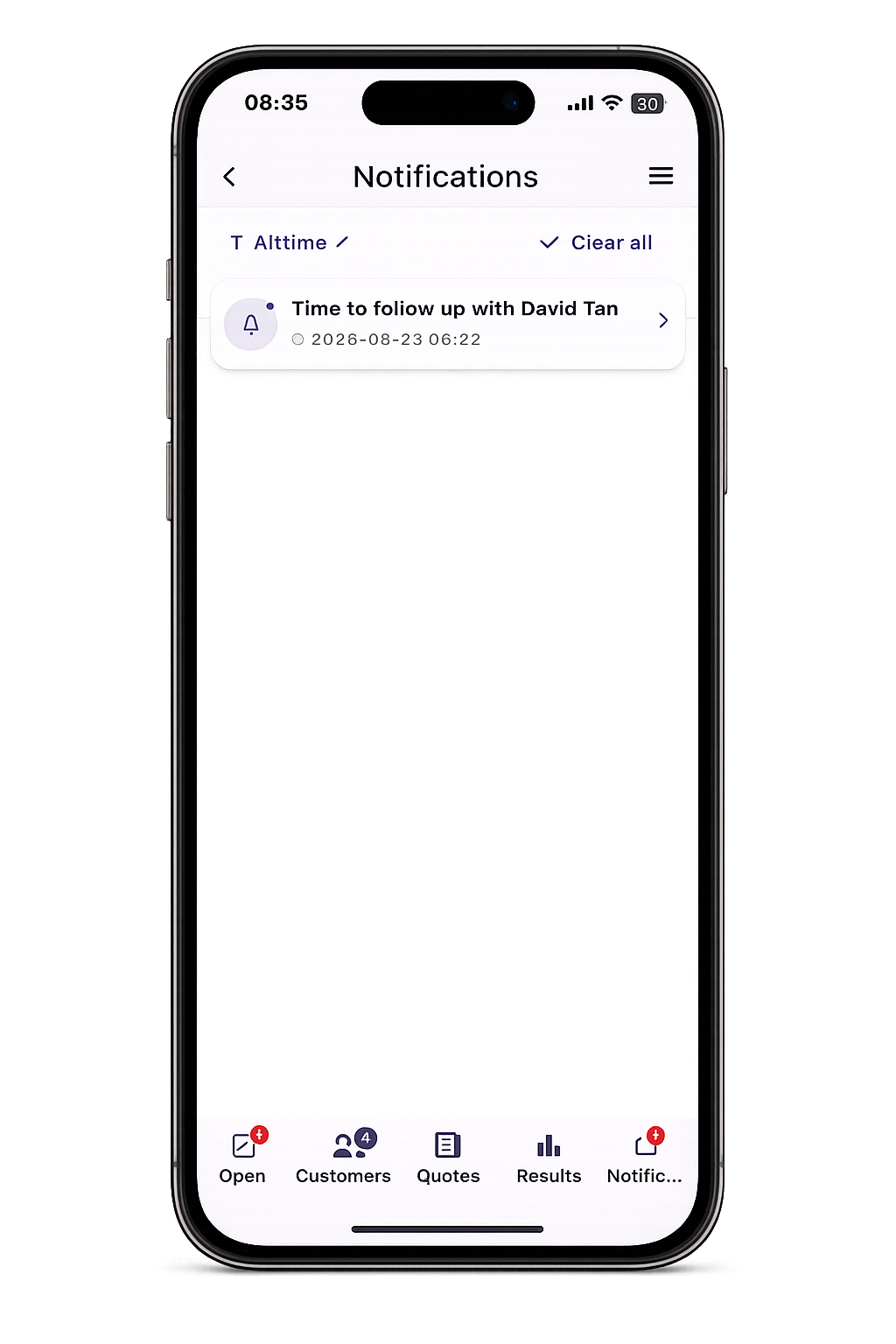
Leado pings you when a new lead arrives, when a follow-up is due, and when an invoice goes overdue. No more checking five different apps to know whether you're on top of things.

  • Real-time alerts for new enquiries
  • Follow-up reminders that fire at the exact time you scheduled
  • Overdue invoice nudges — for you and (optionally) your customer
Branded Leado quote PDF preview shown inside the app
QUOTING

Pro quotes in under a minute.

Build a quote from the ute, between jobs, on a worksite. Saved line items remember the prices you usually charge. GST is calculated automatically. Your logo, your business details, your bank details — all on a clean branded PDF that looks like it came from a $500k/year business.

  • Saved line items — your most common jobs, one tap to add
  • GST handled correctly the first time, every time
  • Customer can accept the quote straight from the email
Leado Quotes and Invoices tabs showing draft, sent and accepted quotes with PDF and Send Email buttons
PIPELINE

Quotes. Invoices. Sorted.

One screen tracks every job from first enquiry to final payment. Draft, sent, accepted — colour-coded at a glance. Convert any accepted quote into an invoice with one tap. No more chasing email threads to figure out where you're at.

  • Quotes and Invoices in one view, switchable in a tap
  • Status pills: Draft, Sent, Accepted, Paid, Overdue
  • One-tap quote → invoice conversion
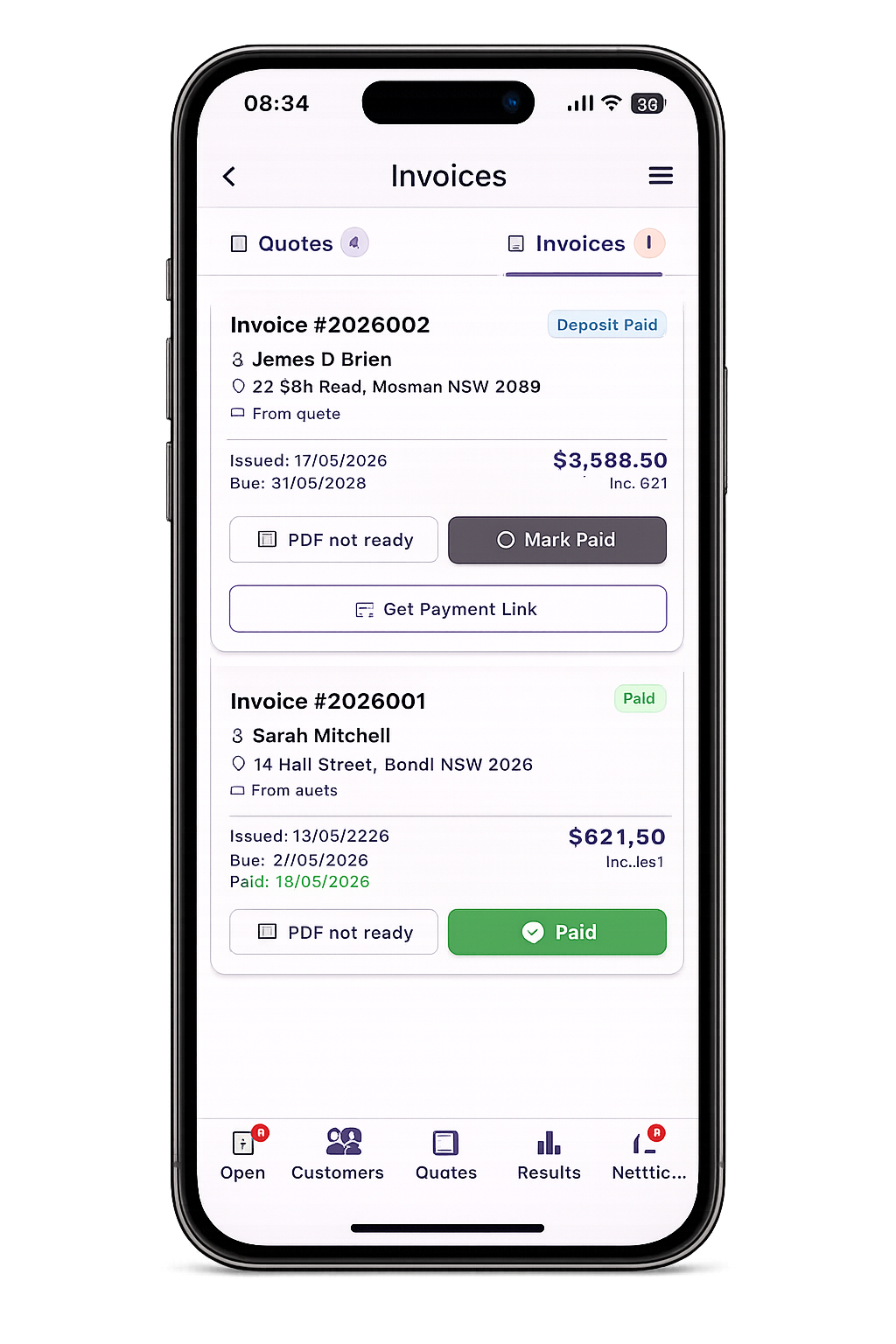
Leado invoices list showing James O'Brien with Mark Paid and Get Payment Link buttons, and Sarah Mitchell marked Paid
GET PAID

Get paid faster.

Connect Stripe in 5 minutes and your customers get a Pay Now button right inside the invoice email. Card payments land in your account in days, not weeks. No more "the cheque's in the mail" excuses.

  • Stripe Pay Now button on every invoice email
  • Take deposits or full payment
  • Automatic overdue reminders to chase late payers
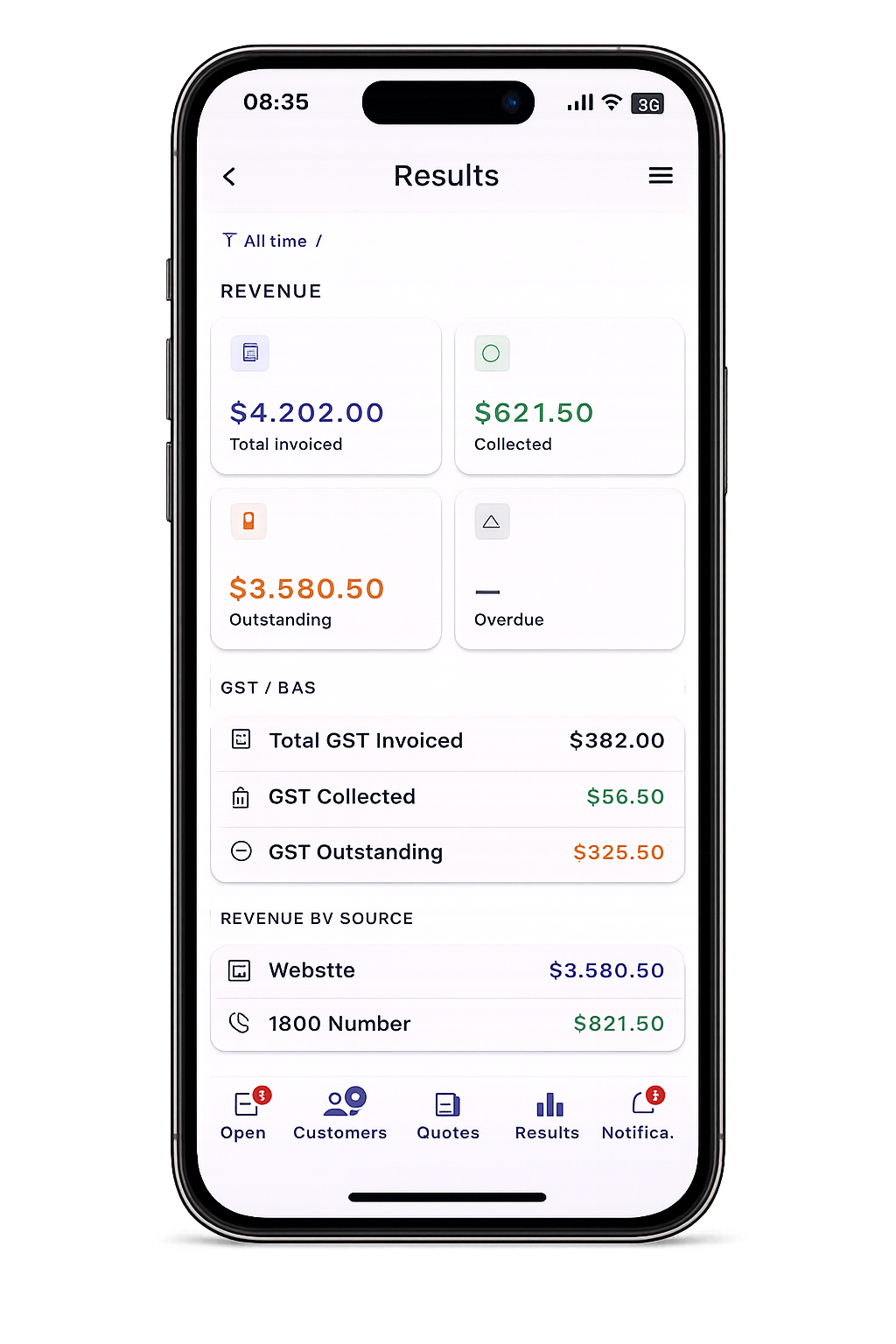
Leado Results dashboard for Northside Plumbing Co showing total calls, unique callers, quote amount, total sales and conversion rate
DASHBOARD

Know what's working.

Revenue, GST, win rate, average job size and lead-source ROI — all at a glance. Stop guessing which marketing dollar is paying off. Stop guessing how much GST you owe at BAS time.

  • Total revenue, total quoted, conversion rate
  • GST collected — ready for BAS
  • Breakdown by lead source (web, phone, referral, walk-in)

Simple pricing. No lock-in.

30 days free, no card needed. Cancel any time with one click. Yearly saves 17%.

Basic

$19/mo · AUD

Everything you need to replace your invoicing app.

  • Unlimited customers, quotes & invoices
  • Branded PDF quotes & invoices
  • Email quotes & invoices to customers
  • Stripe Pay Now on every invoice
  • Customer history & status tracking
  • Basic Results dashboard

Ready when you are.

Enter your email below to start. We'll send you straight to Stripe to finish up — your 30-day trial doesn't start until after you've used the app.

Basic · $19/mo
Change

Use the same email you sign in to the Leado app with.

💡 Got a promo code (like FREEMONTH)? Apply it on the Stripe page after you click Continue.

Frequently asked questions

Do I need a credit card to try Leado?

No. The first 30 days are completely free. You only enter a card when you subscribe after the trial.

What happens after the 30-day trial?

Nothing automatic. If you don't subscribe, the app politely asks you to subscribe to keep going. No surprise charges, no hidden gotchas.

Can I cancel any time?

Yes. Cancel through Stripe or by emailing us at info@ngate.com.au. You'll keep access until the end of your current billing period.

What's the difference between Basic and Pro?

Basic gives you everything you need to manage customers, quotes and invoices — a clean replacement for apps like Invoice2Go. Pro adds lead capture (1800 number, AI assistant), Google integrations, smart reminders and CSV import. Most tradies start on Basic and upgrade when they're ready to automate more.

Do my customers pay any fees?

No. Standard Stripe card processing fees apply on your end (about 1.7% + $0.30 per transaction for Australian cards). Your customers pay the invoice amount you've set — no surcharges from Leado.

Will Leado work without an internet connection?

Yes. Leado uses Firestore's offline persistence, so you can keep working on quotes and customers in tunnels, on rooftops, or anywhere with patchy signal. Everything syncs automatically when you're back online.

Is my data safe?

Yes. We use Google Firebase for storage (encrypted at rest), HTTPS for everything in transit, and Stripe handles all payment details — we never see your card. Read the full Privacy Policy for details.

Can I get a refund?

Yes. If Leado isn't working for you, email info@ngate.com.au and we'll sort it out. We'd much rather give you your money back than leave you frustrated.
30 days free · No card required
Start free trial →